Workflow Design
Turn a repeated process into an ordered plan.
Veltrix AI Technologies
Design intelligent workflows, connect business processes, and turn everyday operations into more efficient digital experiences.

Step 1
Submit purchase request
Step 2
Validate request
Step 3
Route for approval
Step 4
Notify requester
Step 5
Record decision
Workflow Design
Turn a repeated process into an ordered plan.
AI Readiness
Find practical, human-reviewed uses for AI.
Business Intelligence
Plan the views teams need to decide.
Custom Platforms
Shape tools around the way work already moves.
The operating problem
Teams lose hours to repeated handoffs. An enquiry sits in one inbox, a document waits with another person, and nobody can see the next step. Veltrix designs automation plans and software around those real sequences.
The aim is not a louder stack of tools. It is work that people can understand, configure, and adopt without guessing where a task went.

Solutions
Each service stays practical: a process, a decision, a report, or a piece of software shaped around the work.
Map the work people repeat, then design a clearer path for it.
Explore Workflow AutomationFind sensible places for AI, with people still in the loop.
Explore AI Enablement & AdvisoryShape the numbers teams already have into reports people will use.
Explore Data & Business IntelligenceInternal tools and portals shaped around a real operating rhythm.
Explore Custom Digital PlatformsVeltrix Flow
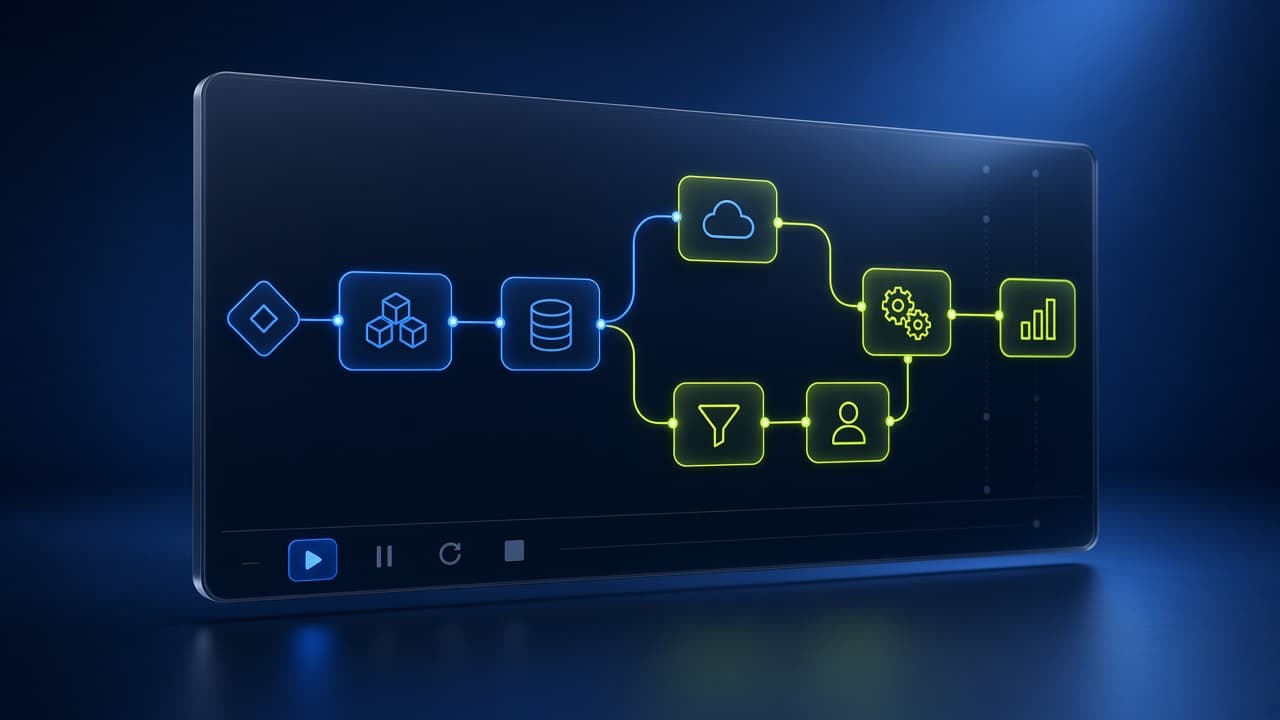
Choose a template, arrange the steps, and export a planning document your team can discuss. The studio stays in the browser.
How it works
01
Start from a common operating pattern, such as enquiries, onboarding, purchasing, or support.
02
Rename the work, edit each step, and note owners, notifications, and decision points.
03
Read the sequence as a connected flow so handoffs are obvious before anyone builds software.
04
Export a blueprint with complexity, review needs, and a time-saving scenario based on your own numbers.

Why Veltrix
Repetitive routing can be planned. Decisions that affect people, money, or customers stay with a responsible role.
A blueprint names steps, configuration, and open questions before anyone commits to a build.
Workflows, reporting, and custom tools are designed as one operating picture rather than separate projects.
New technology is useful when a team can explain it, configure it, and adopt it on a normal working day.
Illustrative use cases
These are teaching examples. They are not case studies of real Veltrix clients, and they do not claim measured results.
Illustrative scenario
Illustrative scenario
Illustrative scenario
Illustrative scenarios
Composite situations for the assignment. They are not quotations, testimonials, or named endorsements.
A growing online retailer
Orders, returns, and product questions land in separate mailboxes. An illustrative planning session would separate those streams, name an owner for each, and decide which replies can use a template.
A professional services firm
Consultants join throughout the year. An illustrative onboarding plan would list access, introductions, and document checks so managers are not rebuilding the list each time.
A logistics coordinator
Spare parts and supplier bookings wait on a verbal yes. An illustrative purchase flow would record the request, the decision, and the person who needs to hear the result.
Pricing preview
Illustrative packages for planning work. They are not a commercial offer.
Discover
GH₵750
A focused look at one process and a single blueprint you can discuss with your team.
Start with DiscoverDesign
GH₵2,500
A wider operating view, with several blueprints and a practical implementation roadmap.
Plan with DesignTransform
Custom quote
A tailored planning engagement for automation strategy, integrations, and platform scoping.
Request a quoteQuestions
Veltrix plans practical automation, advisory for responsible AI adoption, business intelligence interfaces, and custom software. The work starts with a clear process, not a promise of a finished robot.
No. Veltrix Flow is a browser-based planning studio. It helps you arrange steps and export a blueprint. It does not connect to your systems, store the plan on a server, or execute automation.
Startups, small and mid-sized businesses, operations teams, professional services, e-commerce, logistics, and growing enterprises that want repetitive work to be easier to follow.
No. AI Enablement is an advisory service described on the site. Nothing you type is sent to an AI provider, and the workflow studio does not generate machine-written decisions.
Homepage questions
Open the studio and shape a first blueprint, or prepare an enquiry summary you can share yourself.